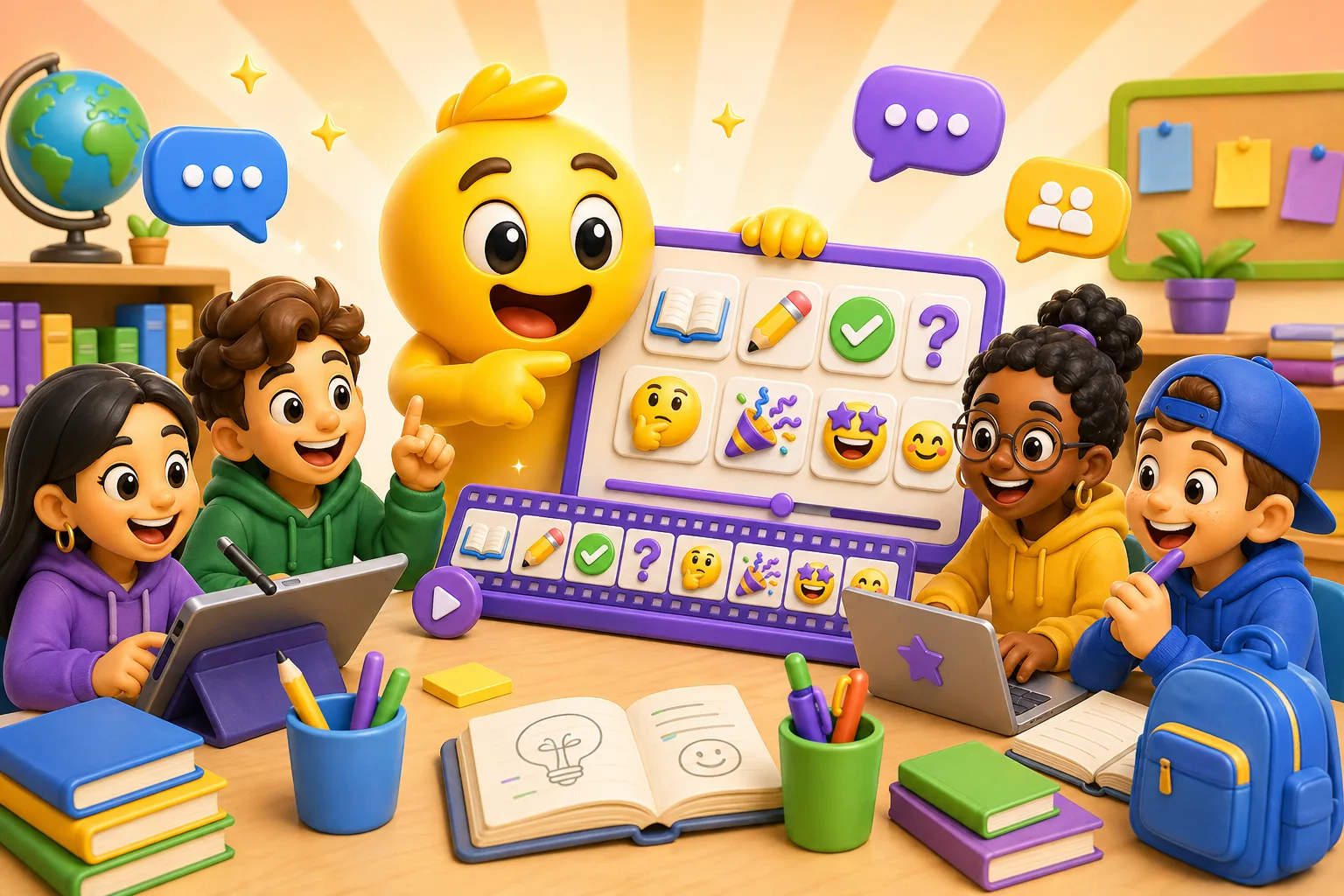
Making Animated Custom Emoji for Classroom & Study Groups with MakeEmoji
Running a Discord study server or Slack workspace for your class? Turbocharge your communication with custom animated custom emotes!
Running a Discord study server or Slack workspace for your class? Custom animated emotes make communication way faster. Instead of typing "I'm confused about problem 3," someone drops a bouncing question mark. Instead of "finished that section," they react with a checkmark that pulses green. Here's how to actually set this up.
Why animated emotes work for study groups
Text-only channels move slow. Someone asks "did everyone get question 5?" and then you wait for 12 people to type "yes" or "no" or "still working on it." With custom emotes, everyone just reacts to the message instantly and you can see the status at a glance.
The animation part matters more than you'd think. A static checkmark is fine, but a checkmark that bounces or flashes green? That actually catches your eye in a fast-moving chat. When someone's streaming their screen and working through a problem, animated reactions let people give feedback without interrupting.
Essential emotes every study group needs
Understanding indicators: Make a green checkmark that pulses (got it), a yellow thinking face that rocks side to side (working on it), and a red X that shakes (completely lost). These three cover 90% of status updates during study sessions.
Help requests: An animated hand raising, a question mark that bounces, or an SOS that flashes. Make them eye-catching so whoever's running the session notices immediately when someone's stuck.
Break time: A coffee cup that steams, a clock that ticks, or a "BRB" that fades in and out. Helps coordinate when everyone's actually at their keyboard vs. getting snacks.
Celebration stuff: When someone finally gets that difficult problem, you want more than a thumbs up. Make a trophy that sparkles, a brain that glows, or fireworks that burst. Chemistry exam survived? Drop that exploding beaker emoji.
How to make emotes people will actually use
Make them obvious. If someone has to ask "what does this emoji mean," you failed. A bouncing brain should clearly mean "thinking" or "understanding." A spinning hourglass means "working on it." Keep the symbols universal.
Use your school colors. If you're making emotes for a specific class or university, incorporate the colors. Makes them feel like they belong to your group specifically. A green checkmark is fine; a checkmark in your school's exact shade of green creates identity.
Test the animation speed. Too fast = seizure warning. Too slow = might as well be static. Upload a draft to your server and see if it actually catches attention when scrolling. Most study-group emotes work best with a 2-3 second loop.
Size matters. Discord and Slack show emotes at different sizes depending on context. Make sure your emoji is readable both as a reaction (small) and when sent as a message (larger). Simple designs with bold colors work best.
Subject-specific ideas
Math/Physics: Animated integral sign that draws itself, pi symbol that rotates, calculator that types numbers, graph that plots itself, equation that solves step by step.
Programming: Terminal cursor that blinks, bug that crawls, code brackets that open and close, coffee cup → energy drink progression for those late-night debugging sessions.
Languages: Flags that wave, speech bubbles that pop up, alphabet letters that cycle through, dictionary that flips pages.
Biology/Chemistry: DNA helix that spins, beaker that bubbles, cell that divides, periodic table element that glows.
Getting your group to actually adopt them
Drop all your new emotes in a "meet the emotes" message pinned to your announcements channel. Explain what each one means. Then actually use them yourself consistently. When someone asks a question, react with the "great question" emoji. When you finish a problem, drop the bouncing checkmark.
The first person to use an emoji sets the precedent. If you make a "deep in focus" emoji and someone uses it right before exam week when they're going offline for 4 hours, everyone will copy that usage. Seed the behavior you want.
Let people request emotes. Someone wants a "procrastinating" emoji? Make it. Takes 5 minutes, and now they're invested in using the custom emotes because they contributed. Study groups work best when everyone feels ownership.
Technical setup tips
Discord: Upload as PNG or GIF, max 256KB for animated. You need Nitro for animated emotes, BUT server boosts unlock 50+ custom animated emotes for everyone. If your study server has 2 boosts (level 1), all members can use your custom animated emotes without Nitro.
Slack: Supports emoji up to 128KB. Animated GIFs work in messages but show as static in reactions. Keep this in mind when designing—make sure the first frame is readable as a static image.
Export settings: Use MakeEmoji to create your animated emote, then export as GIF. Most platforms want square aspect ratio (1:1). Test it immediately after uploading—some platforms compress aggressively and you might need to simplify colors or reduce frame count.
Start here: Make 5 emotes—"got it," "confused," "working on it," "need help," and "break time." Upload them to your server. Use them consistently for one week. You'll know within that week if your group actually needs more or if these five cover everything. Don't make 50 emotes that nobody uses. Start making your first emoji →


