How Long Does Twitch Emote Approval Take? (Timeline Breakdown)
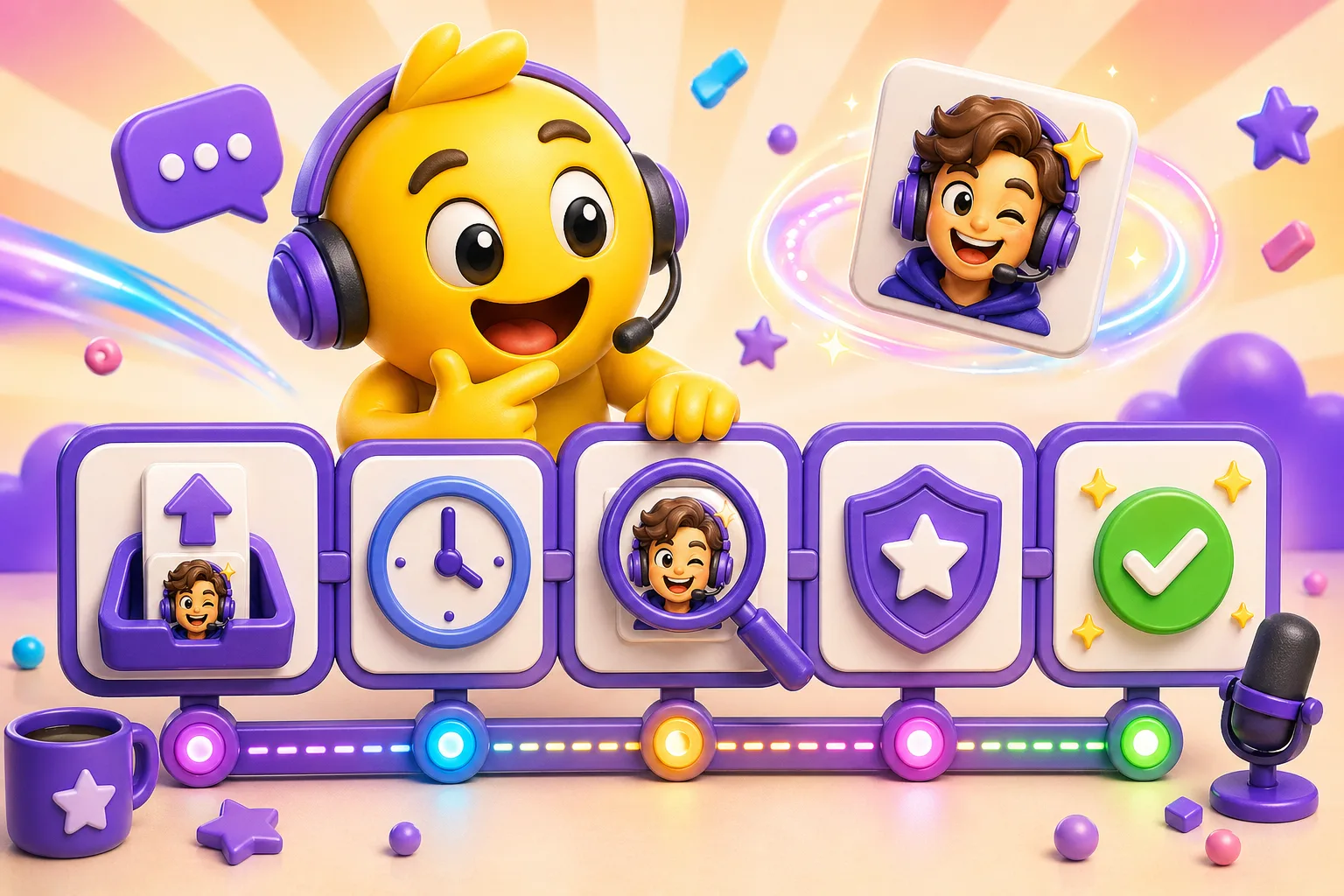
Complete timeline of the Twitch emote approval process from submission to going live on your channel.
You finished designing your Twitch emotes, uploaded them, hit submit, and now you're waiting. How long until they're approved? When can your subscribers actually use them? The answer is usually 24-48 hours, but understanding the full process helps you plan launches, avoid delays, and know what to do if something goes wrong.
Before you even submit: eligibility requirements
You need Twitch Affiliate or Partner status to upload custom emotes. Regular streamers can't add emotes—there's no way around this requirement. Affiliate status requires 50 followers, 500 total minutes broadcast, 7 unique broadcast days, and an average of 3 concurrent viewers over 30 days. Once you hit Affiliate, you get your first emote slot immediately.
Affiliates start with 1 emote slot and unlock up to 5 total as they add subscriber tiers. Tier 1 subs get access to your first emote, Tier 2 subs unlock additional emotes, and Tier 3 unlocks even more. Partners start with more slots and scale up based on subscriber count and points. If you're wondering why you can't upload more emotes, it's because you haven't unlocked those slots yet.
Technical requirements that must be met first
Twitch requires three size variants for every emote: 28×28, 56×56, and 112×112 pixels. You can upload all three separately, or upload just the 112×112 version and let Twitch auto-generate the smaller sizes. Auto-generation works fine for most emotes, but if yours has fine details, manually creating the smaller versions gives you more control over how they look when scaled down.
File format matters. Static emotes must be PNG files under 256KB. Animated emotes use GIF format and can be up to 1MB. Transparent backgrounds work best since emotes appear on Twitch's dark interface, but transparency isn't strictly required. Your emote just looks better without a white or colored box around it.
Content guidelines are non-negotiable. No copyrighted characters, logos, or brands without explicit permission. No sexually explicit, violent, or hateful imagery. No harassment of specific individuals. Twitch's content policy applies to emotes the same way it applies to streams. If you wouldn't be allowed to show it on your stream, don't put it in an emote.
The submission process step by step
Go to your Creator Dashboard, navigate to Settings, then click Affiliate or Partner (depending on your status), and select the Emotes tab. You'll see your available emote slots and which ones are already filled. Click "Upload Emote" on an empty slot.
Upload your emote files—either all three sizes or just the 112×112 and let Twitch handle the rest. Give it a name between 6 and 25 characters. The name is what viewers type to use the emote, so make it memorable and easy to type. Alphanumeric characters and underscores only—no spaces, no special characters.
Assign the emote to a subscriber tier if you have multiple tiers set up. Tier 1 emotes are accessible to all subscribers. Tier 2 and Tier 3 emotes are exclusive to those higher-paying tiers. This creates incentive for viewers to upgrade their subscriptions.
Hit submit and your emote enters the review queue. You'll see a "pending" status in your dashboard. At this point, there's nothing else you can do except wait. Constantly refreshing won't make it go faster.
What happens during the review phase
First, an automated system checks technical compliance. Is the file the right format? Are the dimensions correct? Is the file size within limits? If any of these fail, the emote gets rejected immediately—usually within minutes. These rejections are easy to fix: re-export your file with correct specs and resubmit.
Next, the emote goes into a queue for human review. Twitch moderators manually check every emote for content policy violations. They're looking for copyright infringement, inappropriate imagery, and anything that violates Twitch's guidelines. This is where most of the wait time comes from—real humans reviewing thousands of emotes per day.
The human reviewer checks if your emote is clear and identifiable at small sizes. If it's a blurry mess at 28×28 pixels, they might reject it for quality issues. They compare it against Twitch's global emotes to make sure it's not too similar. They verify it's not just text with no visual elements, which Twitch discourages but doesn't always reject.
How long the approval actually takes
Average approval time is 24-48 hours. Most emotes that meet all requirements and don't raise any flags get approved within two days. If you submit Monday morning, expect approval by Wednesday afternoon. This is the typical experience for straightforward, compliant emotes.
During busy periods—major events like TwitchCon, the holidays, or when Twitch rolls out new features—approval can extend to 5-7 days. The review queue backs up when thousands of streamers submit emotes at once. You can't skip the line or pay for faster processing. Everyone waits.
Weekend and holiday submissions often take longer because Twitch's review team operates on reduced hours. If you submit Friday evening, it might not even get looked at until Monday, then add the normal review time on top. Plan ahead for weekends.
Emotes that require extra scrutiny—anything using recognizable brands, characters, or potentially controversial imagery—take longer. The reviewer might need to consult with other team members or legal to determine if the emote is acceptable. These edge cases can take a full week or more.
Common rejection reasons and how to fix them
Copyright violations are the top rejection reason. Using a character from a game, movie, or show without permission gets rejected even if you drew it yourself. Fan art isn't protected—the original copyright holder owns the character. The exception is if you have explicit permission or a license, but you need to prove that to Twitch, and they're conservative about it.
Low quality or unclear emotes get rejected for not meeting usability standards. If your emote looks fine at 112×112 but becomes an illegible blob at 28×28, Twitch can reject it. The emote needs to be recognizable at the smallest size. Simplify your design or manually adjust the small versions to fix this.
Inappropriate content includes anything sexual, excessively violent, promoting hate speech, or harassing individuals. This also covers references to drugs, alcohol in certain contexts, and self-harm. Even if your community thinks it's funny, if it violates Twitch's content policy, it's getting rejected. There's no appeal based on "it's just a joke."
Text-only emotes with no visual imagery are discouraged. Twitch wants emotes to be graphics, not just words. However, this rule isn't strictly enforced—plenty of text emotes exist on the platform. If your text emote gets rejected for this reason, try adding a simple graphical element like a border, shape, or icon alongside the text.
Similarity to existing global Twitch emotes can cause rejection. If your emote is too close to a popular global emote like Kappa, PogChamp variations, or other iconic Twitch imagery, they'll reject it to avoid confusion. Make your emotes distinct from what's already built into the platform.
What to do when your emote gets rejected
Check your email and Twitch dashboard for the rejection reason. Twitch tells you why the emote was rejected, though sometimes the explanation is vague. "Violates content policy" could mean a dozen different things. Read it carefully and try to understand what specific element caused the rejection.
Fix the specific issue they identified. If it's a copyright problem, redesign the emote to be original. If it's a quality issue, simplify the design or adjust the small sizes manually. If it's inappropriate content, either tone it down or scrap it entirely and make something else. Don't just resubmit the exact same emote hoping for a different result.
Resubmit through the same process. Go back to your dashboard, upload the revised emote, and submit again. Second reviews are typically faster—12 to 24 hours—because reviewers prioritize resubmissions. They want to clear the backlog, and if you fixed the issue, approval comes quickly.
If the rejection reason is unclear or you genuinely believe your emote was rejected in error, contact Twitch Support. Provide specifics: what the emote is, why you think it complies with guidelines, and what you're confused about. Most of the time the rejection was correct and they'll explain it more clearly, but occasionally there are mistakes.
After approval: when your emote goes live
Once approved, your emote appears in your channel immediately. You'll get an email notification and see the status change from "pending" to "approved" in your dashboard. Subscribers can start using it right away—no additional wait time. The emote works in your chat, your subscriber badge area, and anywhere else Twitch emotes appear.
Your subscribers at the correct tier level can use the emote in any Twitch chat. If you assigned it to Tier 1, all your subscribers see it in their emote menu. If it's Tier 2 or 3, only those higher-tier subscribers have access. This is separate from Discord Nitro or other platforms—Twitch emotes work across Twitch only.
You can edit or replace emotes anytime, but changes require new approval. If you update an existing emote with a new design, it goes back through the review process. The old version stays live until the new one is approved, so your subscribers aren't left without the emote during the review period.
Complete timeline from start to finish
Design and prepare emotes: this varies wildly. If you're commissioning art, add several days to weeks for the artist to complete the work. If you're making them yourself, it might take hours or days depending on complexity and skill level. This is outside Twitch's control but is part of your total timeline.
Technical preparation (resizing, optimizing files, testing at small sizes): 15-30 minutes per emote if you know what you're doing. Longer if you're learning the process or troubleshooting file size issues.
Upload and submission: 5 minutes per emote once your files are ready. The actual upload process is quick.
Initial review wait: 24-48 hours on average, up to 7 days during busy periods or for complex cases.
If rejected, fixing and resubmitting: add 12-48 hours for the second review, plus however long it takes you to make the necessary changes.
Total realistic timeline from "we need new emotes" to "subscribers are using them": 2-5 days if you're creating them yourself and everything goes smoothly. 1-3 weeks if you're commissioning art and encounter any approval delays. Plan accordingly.
Tips for faster approval and fewer rejections
Submit during off-peak times. Mid-week, mid-month submissions tend to process faster than weekend or holiday submissions. Avoid submitting during major Twitch events when the queue is backed up.
Triple-check requirements before submitting. Make sure your files are the right format, size, and dimensions. Verify your emote meets content guidelines. Preview it at 28×28 to ensure it's still clear. Catching problems before submission prevents rejection delays.
Use clearly original artwork. The more your emote looks like something that could be copyrighted, the more scrutiny it receives. Completely original designs that don't reference existing characters, brands, or media get approved faster because there's nothing to question.
Keep designs simple and clean. Overly complex emotes raise quality concerns and take longer to review. Simple, bold designs that are obviously readable at small sizes breeze through approval.
Have multiple emotes ready. Don't wait for one emote to be approved before working on the next. Prepare several at once so that if one gets rejected or delayed, you're not stuck with empty emote slots.
Managing community expectations around emote launches
Don't promise emotes will be live by a specific date unless you have significant buffer time. If you tell your community "new emotes this Friday" and submit them Wednesday, you're gambling on approval within 48 hours. If it takes longer or gets rejected, you've created disappointment and broken a promise.
Build buffer time into any emote-related announcements. If you want emotes live for a special stream or event, submit them a week early. This accounts for potential rejections, resubmissions, and review delays. Better to have emotes ready early than scrambling at the last minute.
Soft-launch emote reveals after approval, not before submission. Showing your community preview images of pending emotes creates hype, but if they get rejected and need major changes, you've already shown them something they'll never get to use. Wait until emotes are approved, then do the big reveal.
Keep backup emote concepts ready. If your first-choice emote gets rejected for an unfixable reason (like copyright), having alternative designs ready means you can pivot quickly instead of starting from scratch. Maintain a backlog of emote ideas you can deploy when needed.
Twitch emote approval typically takes 24-48 hours but can extend to a week during busy periods. Plan ahead, meet all technical requirements, avoid copyright issues, and build buffer time into your launch plans. The waiting is unavoidable, but understanding the process makes it manageable. Create Twitch-ready emotes here →


