Event Planning with Custom Emojis (RSVPs, Status Updates)
Use custom emojis to streamline event coordination: attendance tracking, role assignments, updates.
Your Discord is planning a game night. Sixty messages later, you still don't know who's actually coming, who's bringing snacks, or when setup starts. Someone asks "are we still doing this?" for the third time. The information exists somewhere in chat history, buried under conversation. A targeted emoji system turns event chaos into organized coordination where everyone sees status at a glance.
Basic RSVP system with three emojis
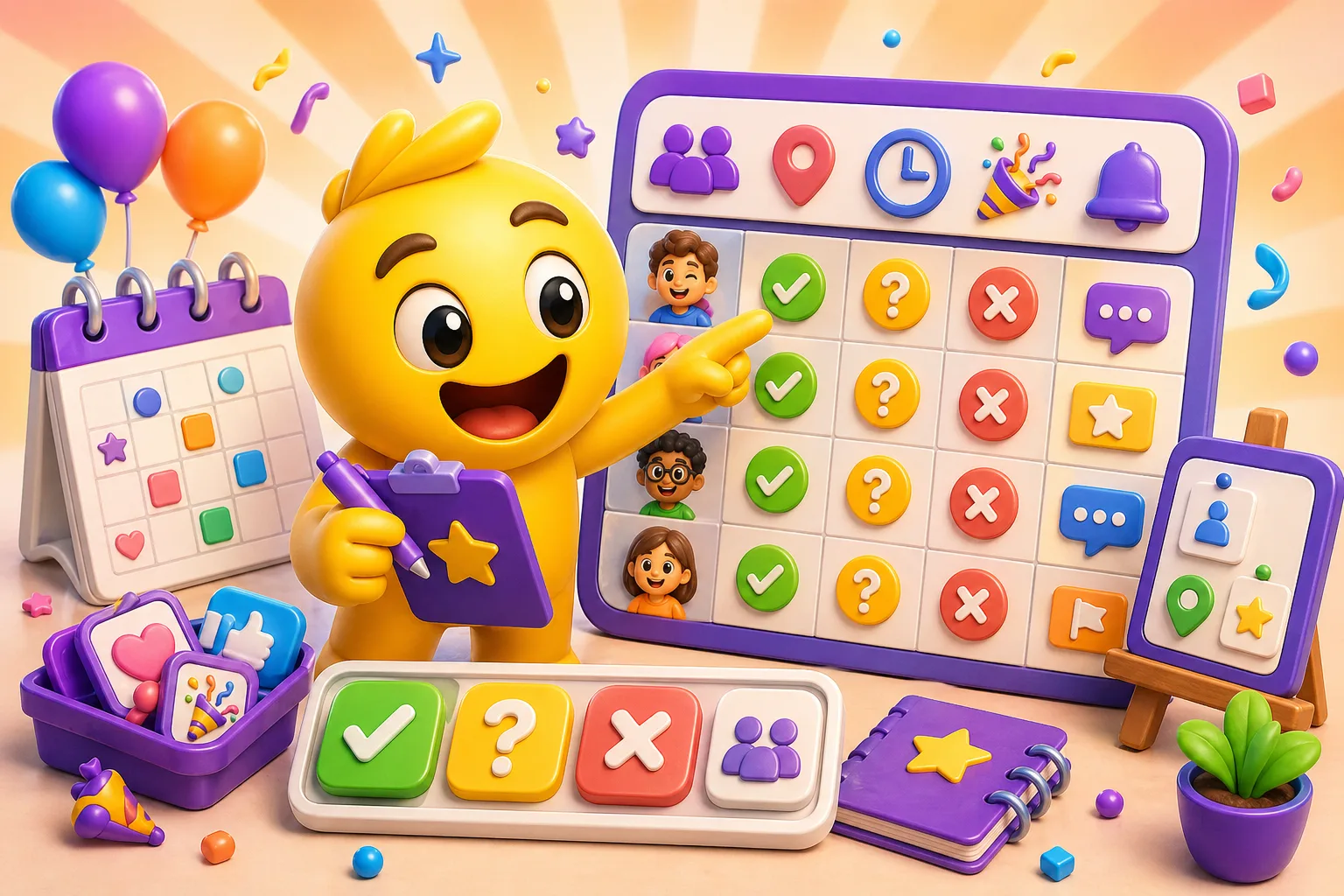
Start with the fundamentals: attending, not attending, maybe. A green checkmark for yes, red X for no, yellow question mark for tentative. Post your event announcement, pin it, and ask people to react. Instant visual headcount—scroll to the message, see 12 checkmarks, 3 X's, 5 question marks. You know 12 people are definitely coming without reading 20 "I'll be there!" messages.
This replaces "sound off if you're coming" messages that generate dozens of replies. Reactions don't clutter the channel. They're counted automatically. You can click the emoji to see exactly who reacted. When someone changes their mind, they remove one reaction and add another—no need to post "actually I can't make it" creating more messages to track.
The maybe option is critical for realistic attendance tracking. Without it, people default to yes even when uncertain, then don't show up. Or they don't react at all, leaving you wondering. Maybe gives them a commitment-free way to express interest. You can plan for confirmed attendees while keeping maybes in mind for adjustments.
Name these emojis clearly: :event_yes:, :event_no:, :event_maybe:. Even if you use standard checkmark and X emojis, having custom named versions makes them searchable and specific to events. People type :event and find all event-related emojis instantly.
Enhanced attendance markers
Running late emoji prevents "where are you?" messages. A clock icon or "LATE" badge lets people signal they're coming but delayed. This manages expectations—others know to start without them, but they're still counted as attending. Without this marker, late arrivals either don't RSVP (unclear if coming) or mark yes (then people wait unnecessarily).
Bringing guests marker shows attendance isn't 1:1 with reactions. A plus-one emoji or "+1", "+2" indicators let people signal additional attendees. Critical for capacity planning—your venue fits 30 people, you have 25 RSVPs, but 8 people are bringing guests. Now you're over capacity. The marker makes this visible early enough to adjust.
Virtual versus in-person attendance needs distinction for hybrid events. A computer/screen icon for virtual, a building/person icon for physical. This matters for resource planning—virtual attendees don't need food or seating, but they need tech setup and meeting links. The split is visible without asking everyone individually how they're attending.
First-time attendee markers help greeters and organizers. A "NEW" badge or newcomer icon identifies people who haven't been to previous events. This prompts veterans to be welcoming and helps organizers remember to do introductions. For recurring events, tracking first-timers separately improves onboarding and retention.
Role and task assignment emojis
Setup crew emoji identifies who's arriving early to prepare. A hammer, tools, or "SETUP" badge marks volunteers. You post "setup starts at 5pm, need 4 people" and volunteers react with setup emoji. Instant visual count of helpers and their names. No need to track "I can help set up" messages scattered across multiple conversations.
Cleanup crew gets its own marker for post-event help. Different people volunteer for setup versus cleanup. Some can do both, some neither, some only one. Separate emojis track this. A broom icon or "CLEANUP" badge shows who committed to staying after. This prevents the awkward end-of-event scramble where organizers guilt-trip people into helping clean.
Food coordinator marker signals someone's managing the food situation. A chef hat, plate, or food icon shows ownership. This person is bringing main dish, coordinating potluck contributions, or ordering catering. Without a clear owner, everyone assumes someone else is handling food, then nobody is. The emoji creates accountability.
Tech or AV handler for events with presentations or streaming. A camera, microphone, or tech icon marks who's managing equipment. They know to arrive early, bring cables, test audio. For virtual events, they manage screen sharing and breakout rooms. The marker ensures tech has an owner rather than being discovered broken five minutes before start.
Greeter or host emoji designates welcome committee. A waving hand or door icon shows who's at the entrance, directing parking, doing introductions. For large events or events with many newcomers, dedicated greeters improve experience. The emoji makes this a visible, valued role rather than defaulting to "whoever happens to be standing near the door."
Event status and timeline markers
Planning phase emoji shows events aren't confirmed yet. A calendar with question mark or "PLANNING" badge marks tentative events. People can express interest without committing. This prevents false starts where you announce something, people plan around it, then you cancel because interest was unclear. Planning status sets appropriate expectations.
Confirmed status emoji transitions from planning to definite. A checkmark on calendar or "CONFIRMED" badge shows the event is happening. Update the emoji on the announcement post. Visual change signals shift from "maybe" to "actually doing this." People can commit their schedules confidently rather than hedging because organizers seem uncertain.
Happening now marker creates urgency for latecomers. A "LIVE" indicator or pulsing icon signals active event. People scrolling Discord see the marker and realize they're missing it. This reduces "oh I forgot that was today" situations. The visual reminder prompts action more than text notifications people dismiss.
Starting soon notification (30 minutes out) gives final chance to join. A countdown emoji or "30 MIN" badge posts to the event thread or channel. This catches people who marked maybe, forgot, or didn't see earlier reminders. The timing sweet spot—soon enough for urgency, not so close people can't make it.
Cancelled or postponed emoji saves people wasted trips. A red X through calendar or "CANCELLED" badge updates the event post. Critical that this is visible and unmistakable—people checking in day-of need to see instantly the event isn't happening. Postponed gets different marker (calendar with forward arrow) indicating rescheduling rather than cancellation.
Resource and contribution tracking
Bringing food emoji lets people claim food contributions. Post "who can bring food?" and people react with food emoji plus a reply specifying what. Or create specific emojis: appetizers, main course, dessert, drinks. This prevents five people bringing chips and nobody bringing drinks. The visual markers show coverage at a glance.
Equipment or supplies marker tracks who's bringing necessary items. A projector, speakers, games, decorations—whatever the event needs. People react to claim items. Organizers see what's covered and what's missing. This replaces long message threads confirming "did anyone remember to bring the projector?" The emoji reaction is both commitment and reminder.
Transportation coordination uses ride-related emojis. A car icon for "can drive," a person icon for "need ride." Match drivers with passengers by seeing who marked what. For events where parking is limited or venues are hard to reach, carpooling reduces logistics problems. The markers facilitate matching without manual coordination.
Payment or contribution status for events with costs. A dollar sign or "PAID" badge shows who's covered their share. A "NEEDS TO PAY" marker tracks who hasn't yet. This removes awkwardness of asking individuals if they paid. The status is visible, people can self-mark, organizers know who to follow up with. Money tracking gets less awkward with emoji markers instead of public callouts.
Platform-specific implementations
Discord's scheduled events feature integrates with emoji systems. Create official Discord event, post announcement with custom emoji reactions for roles and resources. People react to event interest button for basic RSVP, then react to announcement post for specific commitments. The combination provides structured event management plus flexible emoji coordination.
Discord threads keep event coordination organized. Post event announcement, create thread for discussion. People react to main post for RSVP, use thread for questions and coordination. This prevents event planning from cluttering main channel while keeping everything connected to original announcement. Thread persistence means information doesn't scroll away.
Slack's poll reactions work well for event RSVPs. Post event details, add reaction options as emojis. Slack shows reaction counts prominently. For recurring events, save message as template with pre-added reaction emojis. Post template for new event, people react, instant RSVP system. Works especially well for workplace lunch-and-learns or team events.
Bot automation enhances emoji-based systems. Bots can count reactions, send reminder DMs to people who reacted yes, auto-post status updates. Some bots integrate with Google Calendar, updating calendar invites based on emoji reactions. The automation layer removes manual tracking while keeping human-friendly emoji interface.
Real-world event type examples
Gaming clan raid nights need role selection emojis. Tank, healer, DPS markers let people claim roles when signing up. Backup markers show who's available if main roster can't make it. Ready-check emoji posted five minutes before start gets reactions from everyone—visual confirmation all players are present and prepared before pulling boss.
D&D or TTRPG sessions use character-ready emojis. Players react to show they've updated their character sheet, prepared spells, reviewed last session notes. DM knows who's prepared versus who needs catch-up time. Schedule-conflict emoji lets player signal they can't make next session early enough for DM to adjust plans or find substitute.
Community meetups benefit from location-specific markers. Attending at venue A versus venue B for events with multiple locations. Indoor versus outdoor for weather-dependent plans. Bringing pets emoji for dog-friendly meetups. These specific markers reduce confusion and help people find the right place at the right time.
Corporate team events in Slack use professional markers. Department badges show which teams are represented. Remote participation emoji indicates virtual attendance for hybrid meetings. Leadership team member marker shows executive attendance for optional events (often increases turnout). The formality level matches workplace communication norms.
Preventing common problems
Too many emoji options paralyzes people. If you have 15 different status markers, nobody knows which to use. Start with basic yes/no/maybe. Add role markers only when events consistently need them. Introduce complexity gradually as community learns the system. Three emojis work better than twelve if those three cover actual needs.
Unclear emoji meanings kill adoption. If people don't understand what an emoji represents, they won't use it. Document meanings in pinned message. Use visually obvious icons—food emoji for food, car for transportation, tools for setup. When introducing new emoji, post example usage. Make meanings so clear that explanation barely necessary.
Inconsistent usage across events confuses community. If one organizer uses green checkmark for RSVP and another uses thumbs up, people don't know the pattern. Standardize emoji usage across all server events. Document standard system in server rules or FAQ. New event organizers follow template. Consistency builds habit and reduces cognitive load.
Forgetting to explain system to newcomers excludes them. Pin explanation message. Include emoji guide in welcome channel. When posting events, add one-line instruction: "React with ✅ to attend, ❌ if not, ❓ if maybe." Don't assume everyone knows the system. Brief explanation helps newcomers participate confidently rather than lurking confused.
Scaling from small to large events
Small events (5-20 people) need minimal emoji infrastructure. Basic yes/no/maybe covers attendance. Maybe one or two role markers for setup and food. Over-engineering emoji systems for small groups wastes effort—direct communication still works at this scale. Emojis add polish but aren't make-or-break.
Medium events (20-100 people) require structured coordination. Role assignments prevent "I thought someone else was handling it" failures. Resource tracking ensures coverage. Status markers communicate changes efficiently to larger group. At this scale, emoji systems shift from nice-to-have to genuinely useful. They save significant coordination time and reduce errors.
Large events (100+ people) demand comprehensive emoji systems. Multiple coordination threads, detailed role breakdowns, automated bot assistance. Without visual status systems, information gets lost in message volume. Document emoji meanings thoroughly—new attendees can't learn from observation when dozens of people use system simultaneously. Consider emoji categories for different aspects (attendance, roles, resources, status).
Recurring events benefit from template systems. Save successful event post with all emojis pre-configured. Copy template for next event, update date/details, post. People know the pattern from previous events. Reaction structure is familiar. This compounds efficiency gains—first event takes setup work, subsequent events reuse infrastructure.
Measuring success
Reduced repeated questions shows emoji system working. If people stop asking "when is this?" or "who's bringing food?" your status markers provide visible answers. Track how many clarification questions appear before versus after implementing emojis. Successful systems answer questions before they're asked.
Higher attendance accuracy means fewer no-shows and surprised additions. Compare expected versus actual attendance for events. Emoji-based RSVP systems typically get 10-20% better accuracy than message-based confirmations. People update reactions as plans change rather than forgetting to message updates.
Better resource coverage prevents last-minute gaps. Track how often you discover missing food, equipment, or volunteers day-of-event. Emoji tracking systems catch these gaps during planning phase. Fewer "oh no, nobody brought drinks" situations indicates working coordination system.
Faster planning cycles mean less time from idea to execution. Emoji systems consolidate information, reduce back-and-forth messages, speed decision-making. If you're scheduling events in 2-3 days instead of week-long planning threads, your coordination infrastructure improved. Time savings compound across multiple events.
Advanced techniques
Priority levels for announcements use color-coded emoji. Red flag for critical updates (cancellation, major change), yellow for important (time change, location update), green for optional info (parking tips, what to bring). People learn to scan for red flags, ensuring critical information gets seen even if they skim other messages.
Countdown markers build anticipation for major events. Update pinned message emoji as event approaches: "30 DAYS" → "7 DAYS" → "TOMORROW" → "TODAY". The changing marker creates visible momentum. Community sees approach and excitement builds. Works especially well for annual events or major milestones.
Feedback collection emojis gather immediate reactions post-event. "How was the event?" with rating emojis (5 stars down to 1 star) or simple thumbs up/down. Quick reaction-based feedback has higher response rate than "please fill out our survey." Use this for rapid iteration on recurring events.
Historical tracking uses archive emojis. Mark old event posts with "COMPLETED" or "ARCHIVED" emoji. This creates visual event history—scroll back through channel and see past events clearly marked. Helps planning future events by seeing what worked. Also prevents confusion when old event posts resurface in search.
Custom emoji systems transform event coordination from text-heavy chaos into visual organization. Start with basic RSVP emojis, add role and resource markers as needed, and maintain consistency across events. The visual status indicators reduce repeated questions, improve attendance accuracy, and streamline planning for events of any size. Create custom event planning emojis here →


